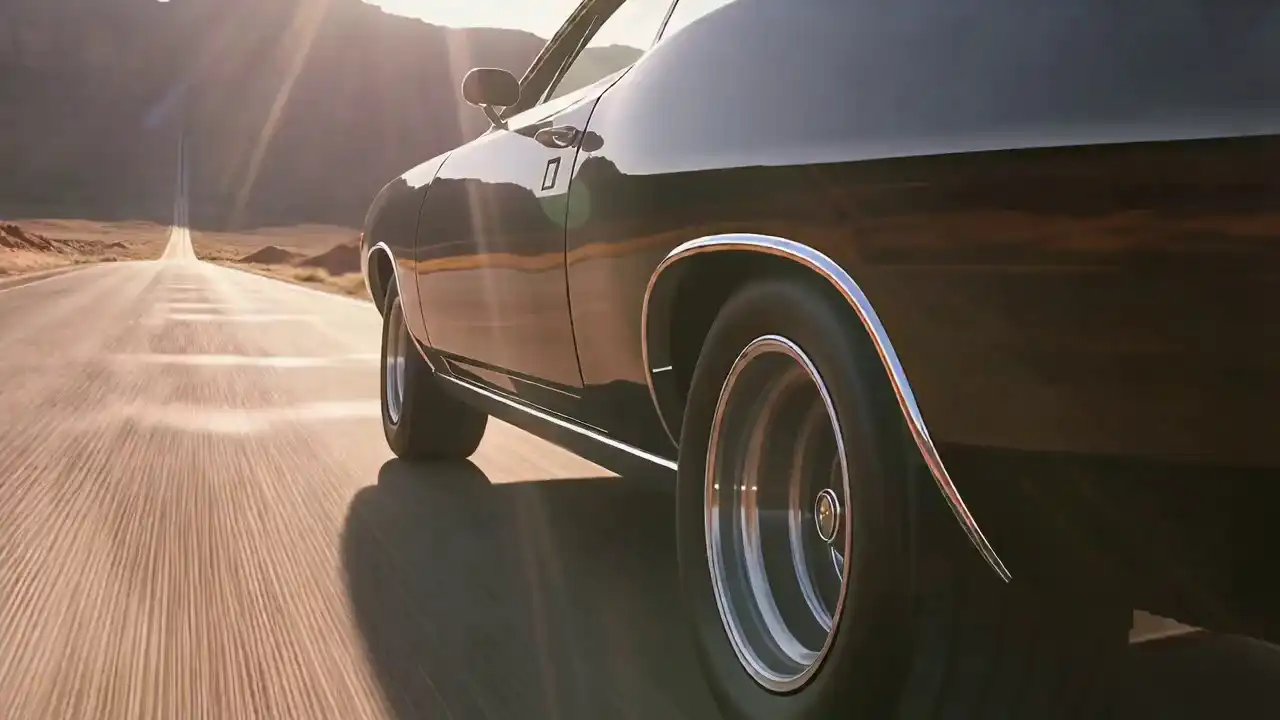
Turn an idea into a video
Text to Video
- Input
- Prompt / supported audio workflow
- Output limit
- 2–15s

Create 720p or 1080p AI videos from text, images, and references, or edit existing footage with natural-language instructions.
To compare this generation with the newest release, explore the Wan 3.0 AI video generator.
Driving audio (Optional) · Up to 5 · 15 sec total · 15 MB each
Not sure which mode to use? Start with what you already have.
Turn an idea into a video
Animate a product or character image
Guide identity, motion, or style
Change existing footage
Control how a clip begins and ends
Wan 2.7 is an AI video model for creating and editing short videos from text, images, references, and existing footage. It supports 720p and 1080p output, with duration limits that depend on the generation mode.
You can use Wan 2.7 for text-to-video ideas, image animation, character-led reference workflows, first- and last-frame control, video continuation, and instruction-based editing.
It is designed for creators, marketers, e-commerce teams, designers, and other users who need short-form visual content without building a traditional production pipeline for every variation.
If your workflow is built around an earlier model, review Wan 2.6 before moving to Wan 2.7.
Explore four video examples created with Wan 2.7.
“A woman walks through a narrow Tokyo side street after rain, subtle handheld camera movement, warm shop lights reflecting on wet pavement, natural walking motion.”
“A premium wireless speaker rotates slowly on a matte studio table as soft directional light moves across the surface. Slow camera push-in, clean commercial framing.”
“A cyclist rides along a coastal road at sunrise. Side tracking shot, gentle ocean haze, long shadows, natural wheel movement, realistic road texture.”
“Two characters talk inside a quiet diner booth. Keep each character visually distinct, use restrained facial movement, stable medium shots, and warm evening lighting.”
Wan 2.7 expands beyond a single generation upgrade. It improves video quality, motion, stylization, audio workflows, and subject consistency while adding more ways to control or edit a result.
Wan 2.7 improves visual detail, motion smoothness, physical plausibility, and continuity across a clip. This is particularly useful with people, moving subjects, camera changes, or transitions where visual drift is easy to notice.
Define how a video begins and ends instead of giving the model only one starting image. This gives image-to-video workflows more direction for a planned transition, camera move, or visual endpoint.
Wan 2.7 can use structured 3x3 image input in supported workflows to provide richer visual context for composition and scene direction when one reference image is not enough.
Reference-based workflows can guide subject appearance and voice direction while additional video references help establish motion and scene style for recurring characters and repeatable concepts.
Modify existing footage with natural-language instructions that describe a change to the background, lighting, styling, subject details, or other scene elements.
Use an existing clip as structural guidance while changing the subject, visual treatment, or context for campaign variations, creative adaptations, and iterative production.
Turn ideas, photos, or character references into short-form videos for TikTok, Instagram, YouTube, personal vlogs, music visuals, narrative clips, and creator-led campaigns. Use image-to-video for a strong visual and reference workflows when recurring identity matters.
Create campaign concepts, product reveals, social ads, promotional clips, branded characters, and creative variations without reshooting every idea. Use instruction-based editing to test settings, lighting, styles, or campaign versions.
Animate product photography for product demos, launch teasers, lifestyle concepts, landing-page visuals, Shopify campaigns, and social ads. Describe product movement, camera angle, scene, lighting, and brand mood.
Use short AI-generated video for visual concepts, presentations, internal communication, training materials, process demonstrations, product visualization, or early-stage creative planning.
Wan 2.7 is not the newest Wan model. Wan 3.0 is a newer generation and supports longer single-generation video workflows.
If your current task fits Wan 2.7's generation and editing modes, continue using it here. If you need longer videos or want to evaluate the newer Wan generation, compare the two models first.
Compare Wan 3.0 and Wan 2.7 →Looking for the latest generation? Explore the Wan 3.0 AI video generator for newer reference, editing, consistency, and audio-visual workflows. You can also compare Wan 2.7 with Wan 2.6 before choosing a model.
Choose Text to Video for an idea, Image to Video for a photo or design, Reference to Video when identity or motion guidance matters, or Video Edit for existing footage.
Write a focused prompt and upload any required image, video, or reference media. Describe what should happen instead of relying only on visual adjectives.
Select 720p or 1080p. Text-to-video and image-to-video support 2–15 seconds; reference-to-video and video editing support 2–10 seconds.
Generate your clip, review motion and subject consistency, then adjust the prompt or references. Change one major variable at a time so you can see what improved.
You do not need a long prompt. Give the model clear information about the subject, action, environment, camera, lighting, and sound.
Template: Subject + action + location + camera movement + lighting + atmosphere + audio direction
“A lone traveler crosses a desert ridge at sunrise, slow tracking shot from behind, long shadows, light wind moving the clothing, quiet atmospheric ambience.”
Template: Product + setting + product movement + camera movement + lighting + brand mood
“A black smartwatch rests on dark stone as the camera makes a slow half-circle around it, soft edge lighting, minimal premium commercial mood.”
Template: Reference subject + action + environment + camera + consistency instruction
“Keep the reference subject's appearance consistent while they walk through a bright modern gallery. Medium tracking shot, restrained body movement, soft daylight.”
Template: Change + preserve + visual target
“Change the outdoor background to an autumn park. Preserve the person, pose, camera movement, and timing of the original clip.”
For prompt formulas designed for the latest model, use the Wan 3.0 prompt guide.
Choose a generation mode, duration, and resolution based on your project. Review the displayed credit cost and current terms before generating.
$9.9
100 credits · $0.099/credit
A lightweight one-time credit pack for trying the video generator.
$29.9
330 credits · $0.091/credit
A one-time credit pack with a lower per-credit price than Starter.
$49.9
600 credits · $0.083/credit
A larger one-time credit pack with a lower per-credit price.
$99.9
1,250 credits · $0.080/credit
The largest one-time credit pack with the lowest listed per-credit price.
One-time credit packs. Any applicable taxes and credit-validity terms are shown at checkout or in the current service terms.
Compare current credit packs on the Wan 3.0 pricing page before starting a longer or higher-resolution job.
Wan 2.7 is an AI video model for text-to-video, image-to-video, reference-based generation, and instruction-based video editing. It supports short-form 720p and 1080p video workflows.
The limit depends on the mode. Text-to-video and image-to-video support 2 to 15 seconds, while reference-to-video and video editing support 2 to 10 seconds.
Yes. Wan 2.7 supports both 720p and 1080p output across the video workflows covered on this page.
Yes. Wan 2.7 supports image-to-video generation, including first-frame workflows and first- plus last-frame control for supported generation setups.
Yes. Wan 2.7 supports reference-based video generation and can use multiple video references in supported workflows to guide subjects, motion, or scene direction.
Yes. Wan 2.7 supports instruction-based video editing. You can describe changes to elements such as background, lighting, styling, or scene details while working from existing footage.
Wan 2.7 credit cost is calculated from the selected resolution and video duration. The current generator uses 2 credits per second for 720p and 4 credits per second for 1080p, and shows the total before generation.
Yes. Videos generated through wan30.net can be used commercially, provided your use complies with the website's Terms of Service and other applicable policies.