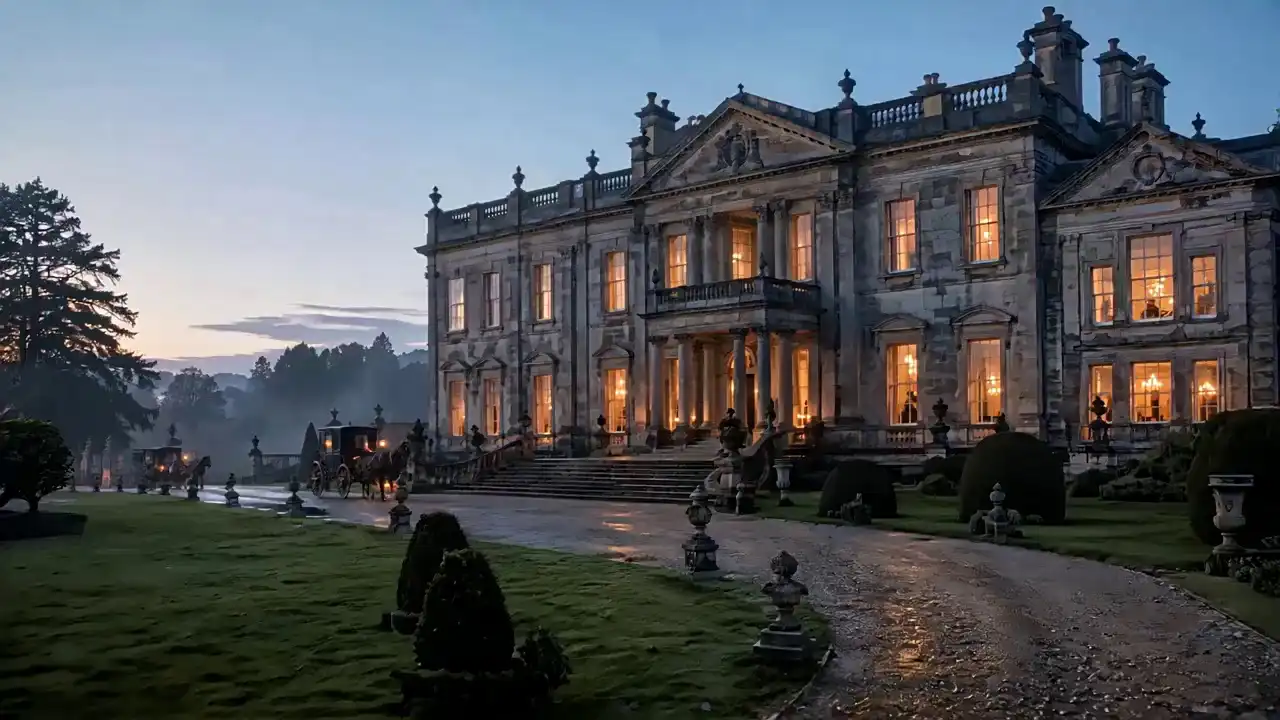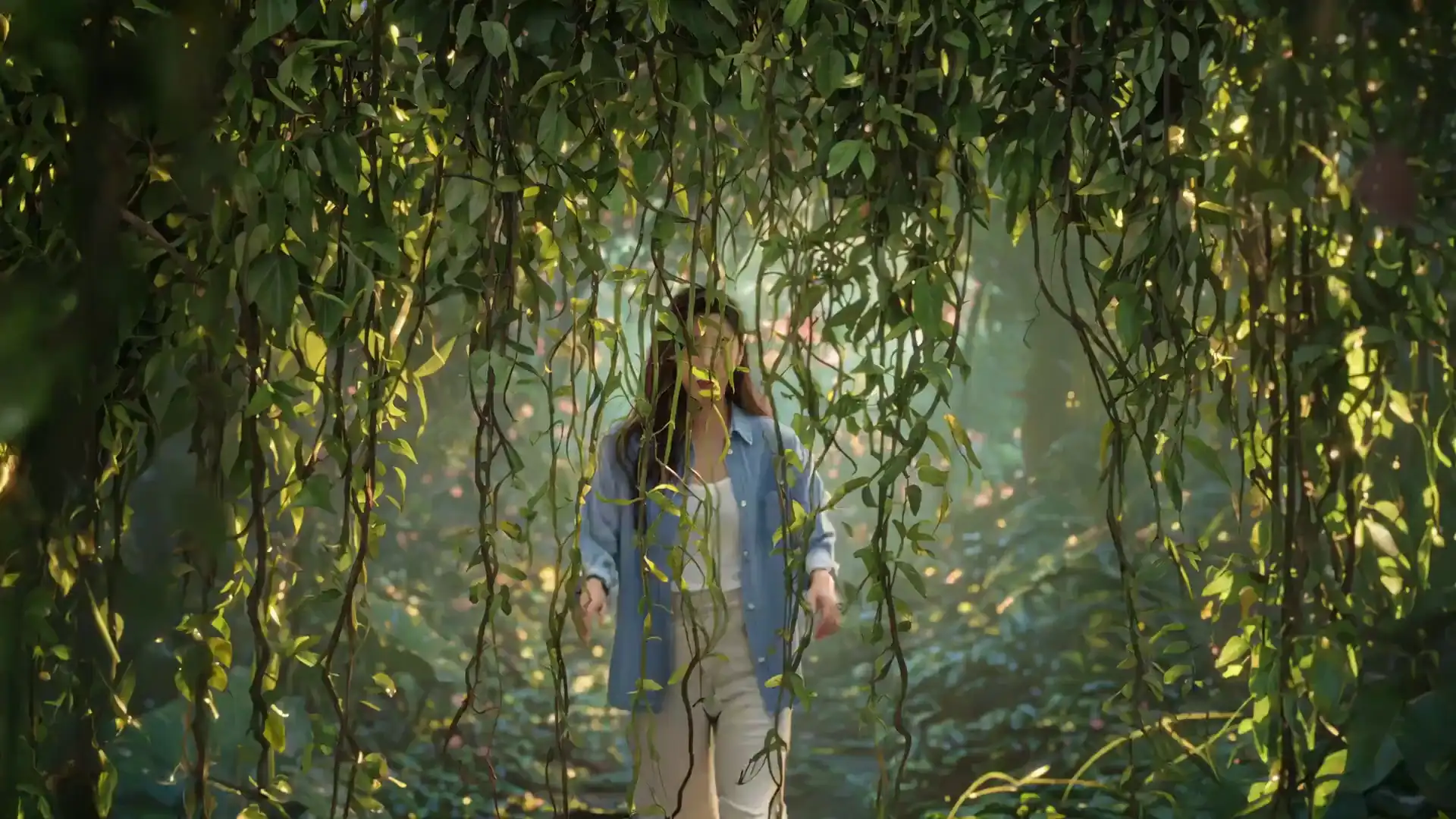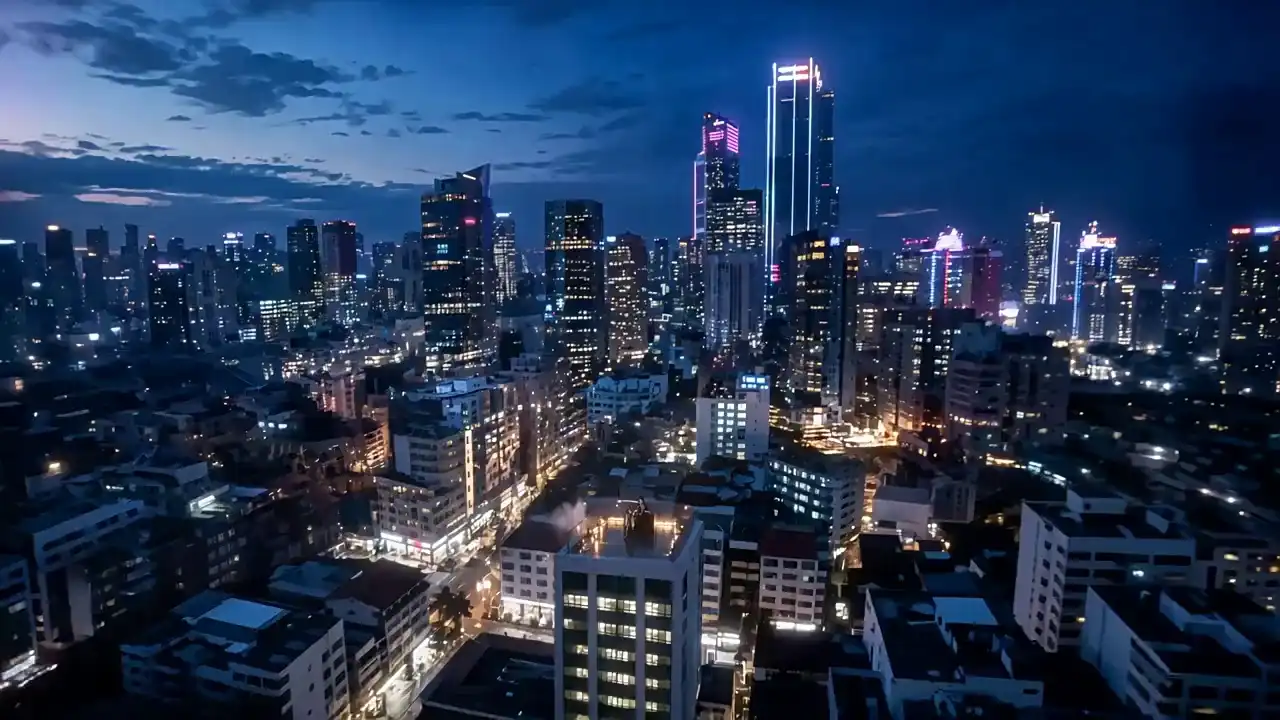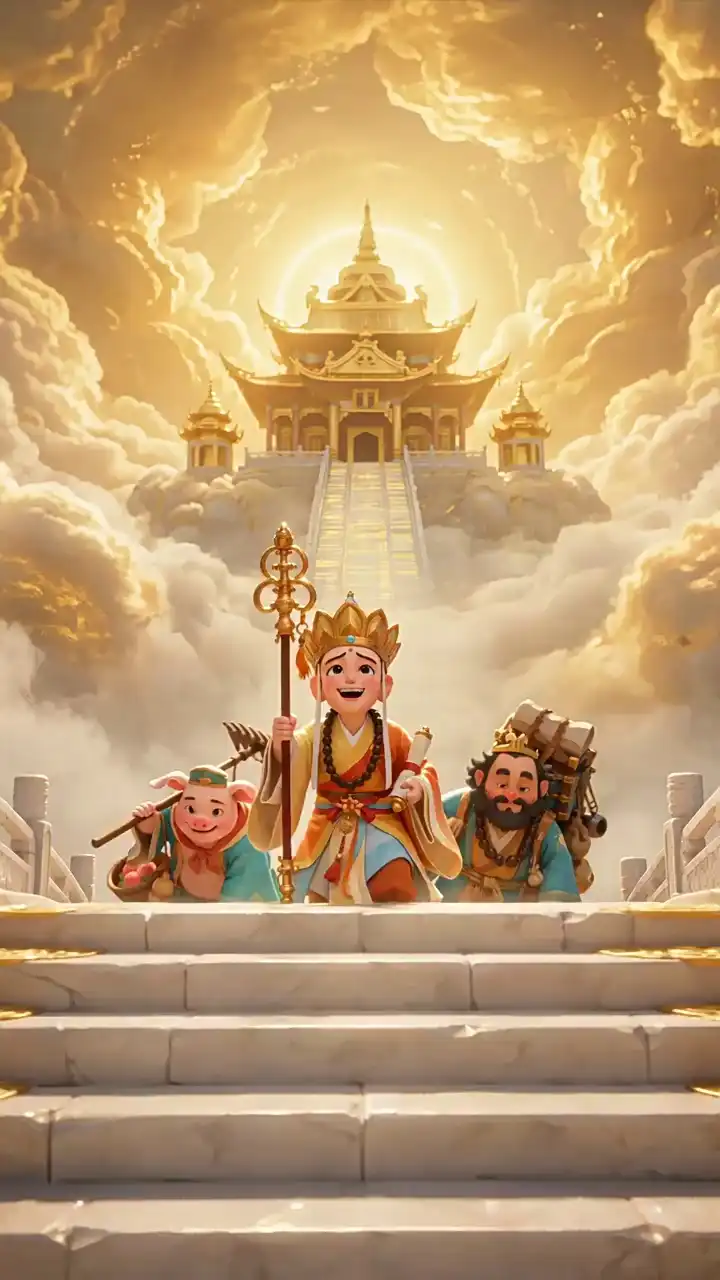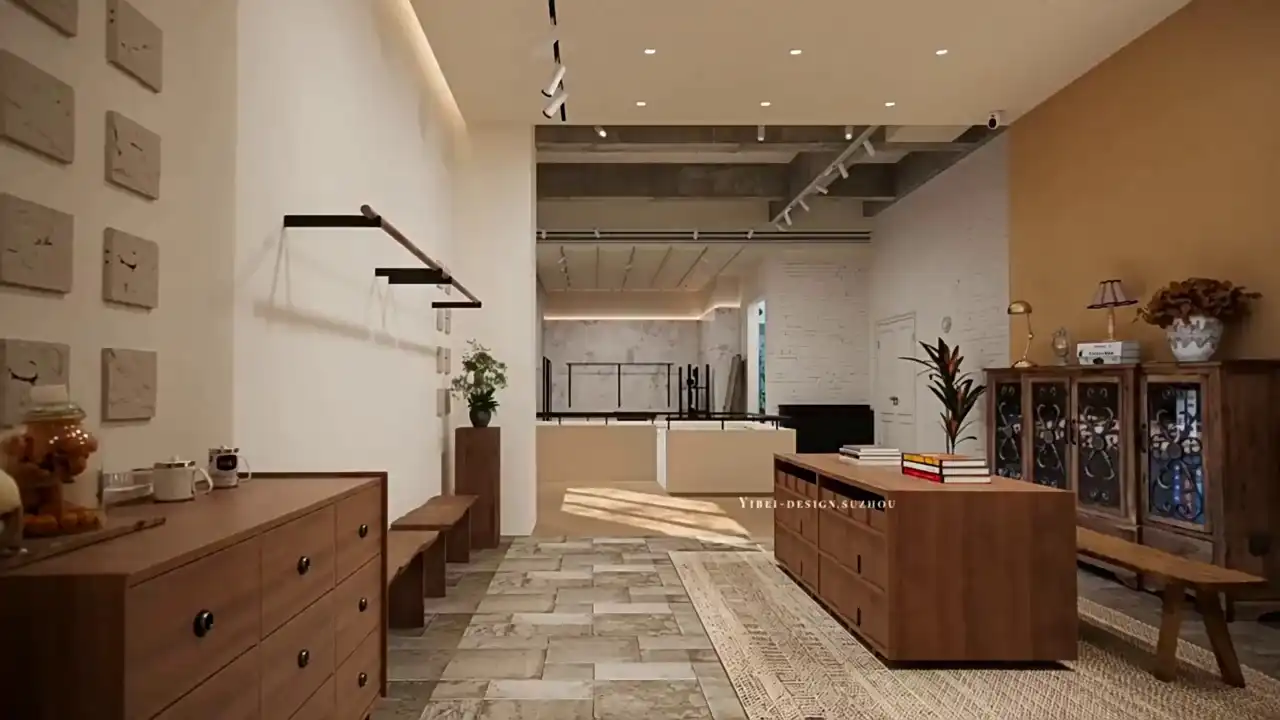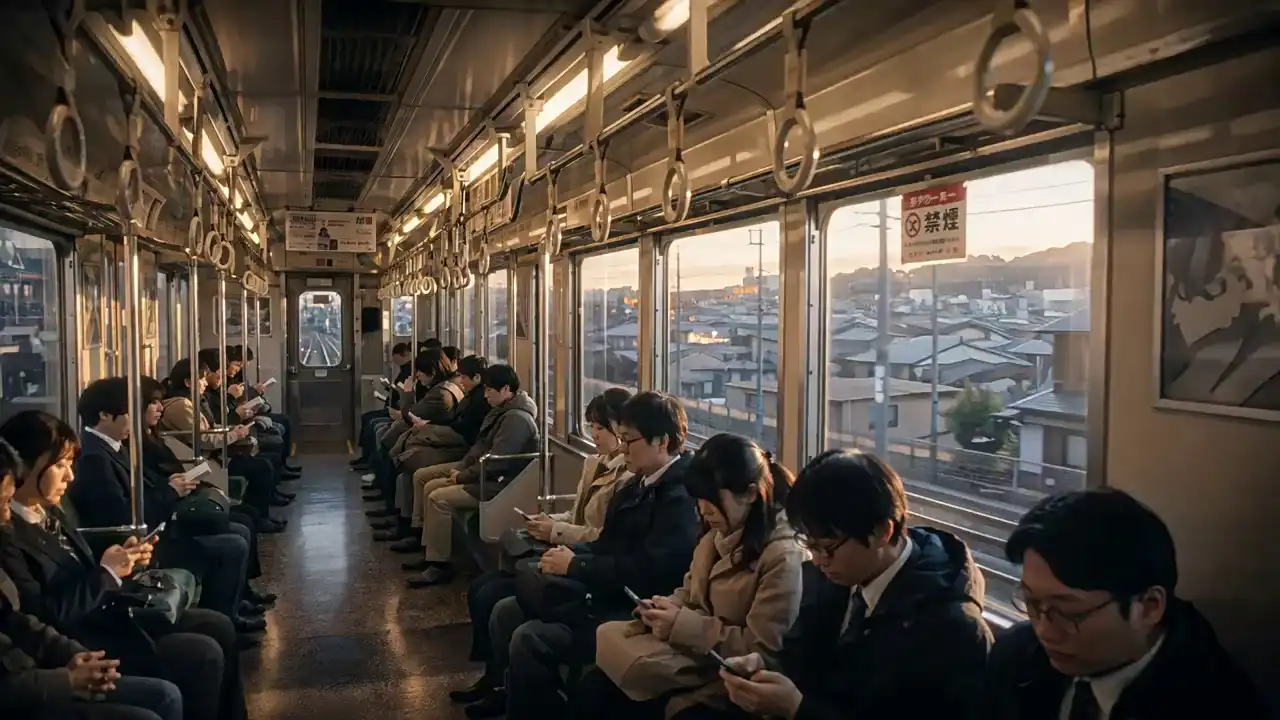
Wan AI · Next-Generation Video · Built for Production Teams

Wan 3.0 AI Video Generator

Generate 4K video with synchronized audio from text, image, audio, or video input — in one pass. No stitching. No separate audio session. No post-production assembly.

4K Native OutputWatermark-Free ExportCommercial License Included12-Asset InputNative Stereo Audio
Overview

What Is Wan 3.0?

Wan 3.0 is Alibaba's next-generation AI video generation model, released in 2026. It takes text, image, audio, and video as input and outputs video with synchronized audio, multi-shot scene structure, and frame-accurate camera control — all in a single generation pass.

It supports up to 30-second clips, 6-shot AI Director mode, and Identity Lock — which saves character profiles across separate sessions for consistent output across projects.

See all Wan 3.0 features

New to AI video? Start with the step-by-step guide or read the in-depth review before your first generation.

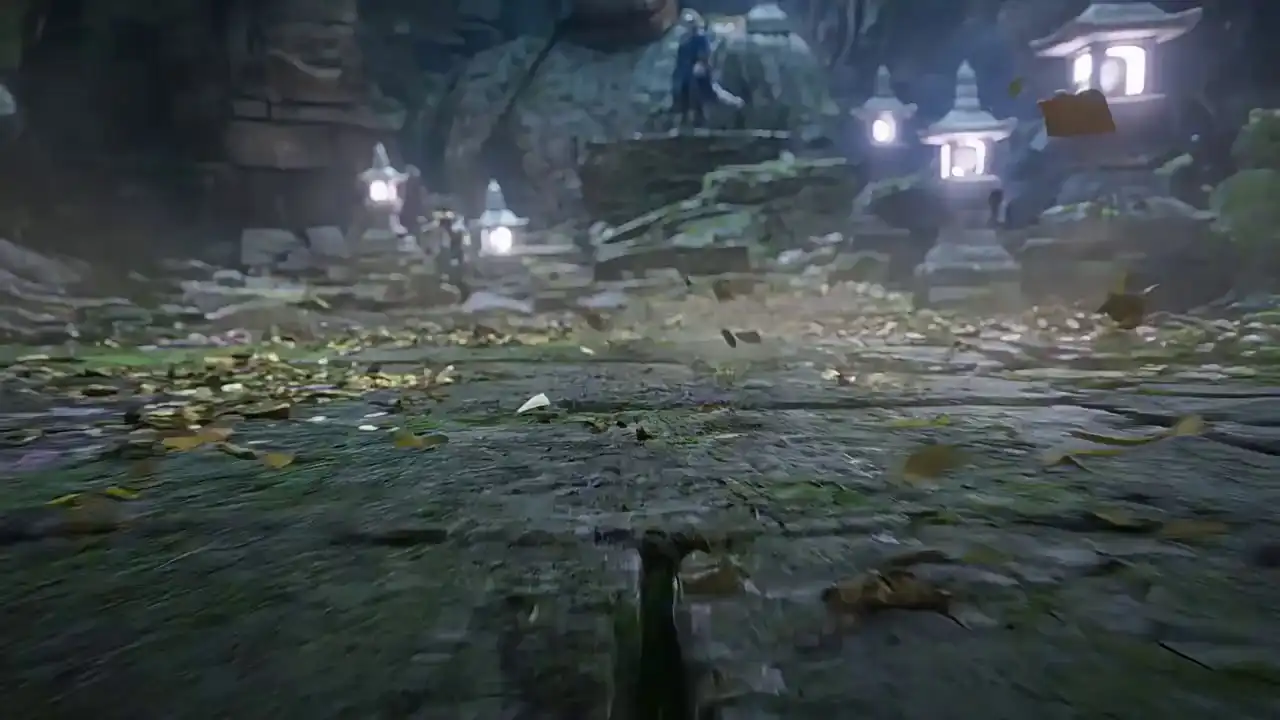
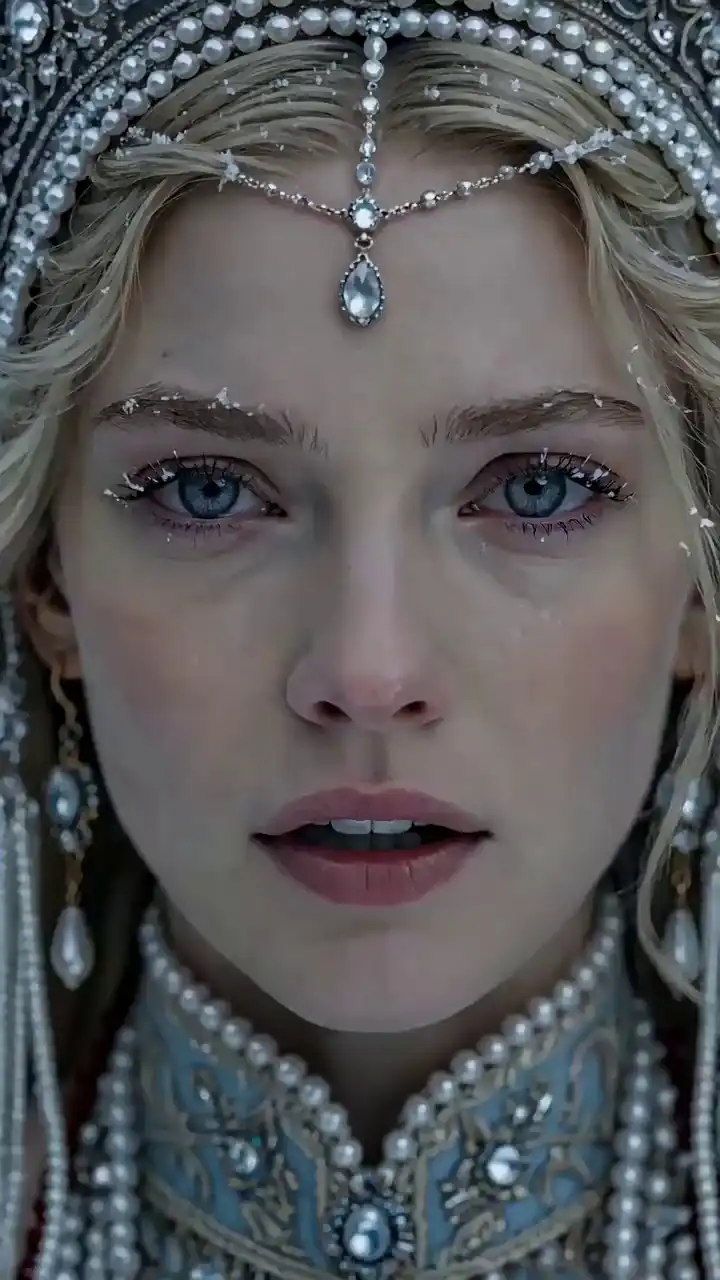
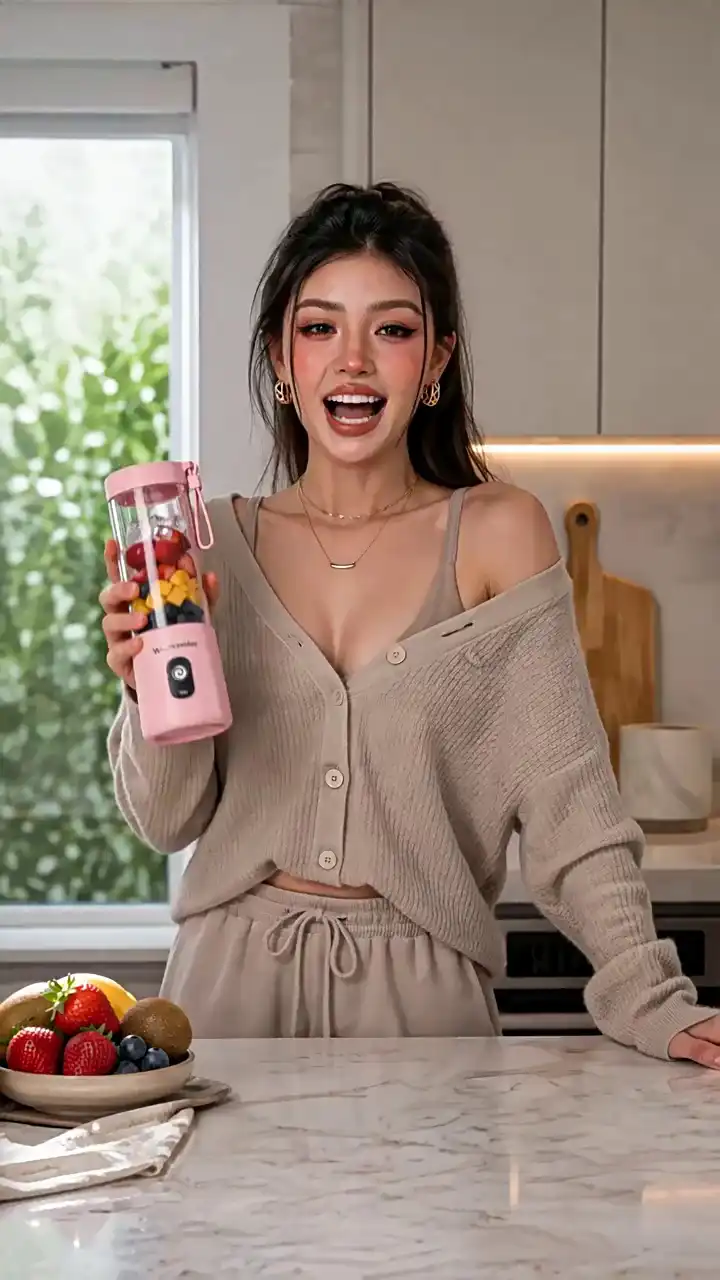
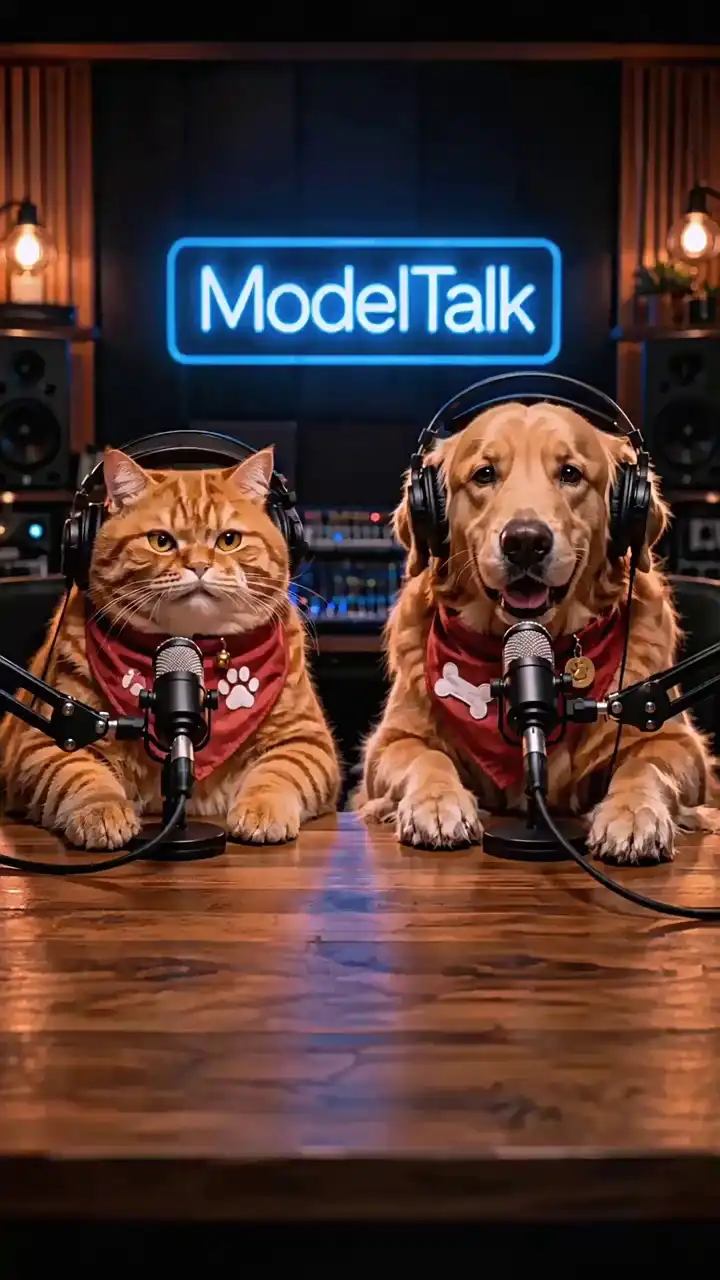
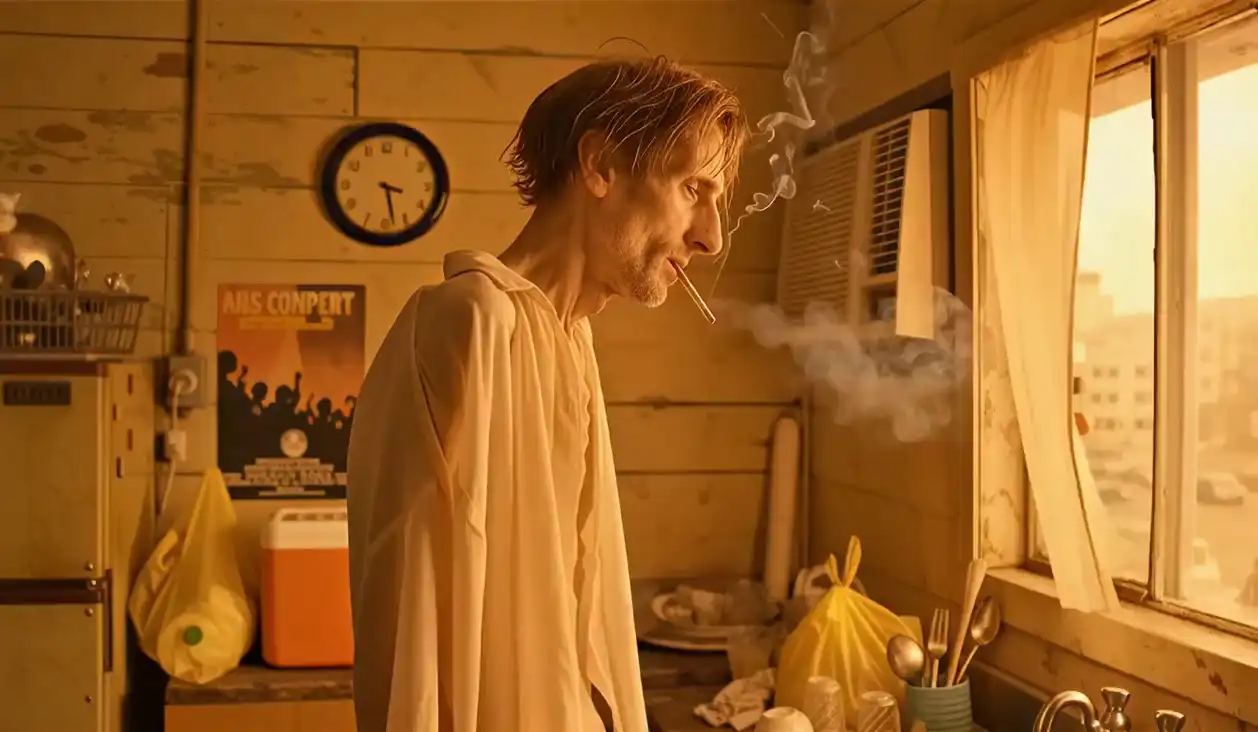
Wan 3.0 AI video generation demo
Production Capabilities

Wan 3.0 Features

Video Generation

4K Native Video — No Upscaling, No Artifacts

Generates at true 4K from the first frame — not an upscaled 1080P clip. Tools that upscale to 4K introduce softness and edge artifacts; Wan 3.0 renders at native resolution throughout.

30-Second AI Video — Full Clip, One Generation

Generate up to 30 seconds in a single run with character and scene continuity from start to finish. Removes the need to stitch shorter clips together in post.

Video Continuation — Extend Any Clip with a New Prompt

Add a follow-on prompt to continue a generated clip, maintaining characters, environment, and lighting from where it left off. Supports multi-minute productions through chained generations.

Direction & Control

AI Director Mode — 6-Shot Multi-Scene Sequences

Specify up to 6 independent shots per generation — each with its own shot type, camera movement, duration, and scene content. Wan 3.0 handles framing, transitions, and consistency across cuts automatically.

Multimodal Input — Combine Text, Image, Audio, and Video

Attach up to 12 reference assets per generation: 9 images, 3 video clips, 3 audio files — tagged in your prompt with @reference syntax. Each reference anchors a specific element — character, camera style, or audio tone.

Audio

Native Audio — Dialog, Effects, and Music in One Pass

Every generation includes multi-track stereo audio — dialogue, ambient sound, effects, and background music — produced alongside the video in the same pass. No separate audio session or manual sync required.

AI Lip Sync — Accurate to Individual Sounds, Across 12 Languages

Matches mouth movements to speech at the phoneme level across 12 languages and dialectal variations. Works in close-up shots without visible sync errors — usable for multilingual campaigns without re-generation per language.

Consistency & Editing

AI Character Consistency — Same Look Across Every Generation (Identity Lock)

Save a character's visual profile after the first generation. Calling that profile in a later session produces the same character in a new scene — no re-description needed. Designed for series content, brand avatars, and multi-scene productions.

AI Video Editing — Edit Any Region Without Regenerating the Full Clip

Select a region in the clip — background, outfit, object — and modify it without regenerating the full video. Changes are isolated to the selected area; surrounding frames stay as generated.

See every capability in action — learn how to write prompts that unlock these features, or open the Wan 3.0 AI Video Generator and run your first generation now.

Version Upgrade

Wan 3.0 vs Wan 2.7 — Full Comparison (2026)

The table below compares Wan 3.0 and Wan 2.7 across all major production features.

FeatureWan 2.7Wan 3.0
Max Resolution1080P4K Native
Max Duration15 seconds30 seconds
Multi-Shot ControlLimitedUp to 6 shots, per-shot parameters
Reference InputsLimited multi-imageUp to 12 (9 img + 3 vid + 3 audio)
Video ContinuationYes — prompt-guided extension
Character MemoryPer-session onlyCross-session Identity Lock
Regional EditingBasicMask-based precision editing
Lip Sync PrecisionBasicPhoneme-level, 12 languages
Native AudioMulti-track stereo

Wan 2.7 introduced the 4-model API suite (T2V, I2V, R2V, VideoEdit) and native audio generation. Wan 3.0 raises the output ceiling — 4K resolution, 30-second clips — and adds the control layer that production workflows actually need: 12-asset multimodal input, cross-session Identity Lock, mask-based regional editing, and phoneme-level lip sync across 12 languages. For a hands-on breakdown of every feature tested, read the full Wan 3.0 Review.

Model Comparison

Wan 3.0 vs Sora, Kling 3.0, and Seedance 2.0 (2026)

FeatureWan 3.0Sora 2Kling 3.0Seedance 2.0
Max Resolution4K1080P4K2K
Max Duration30 sec25 sec15 sec15 sec
Native Audio
Multi-Shot Director6 shots6 shots
Reference Inputs12 assetsLimitedVideo ref12 assets
Identity Lock
Video Continuation
Lip SyncPhoneme-levelGoodPhoneme-level
Brand Color Control
Multilingual Text Render12 languagesLimitedLimited8 languages

Where Wan 3.0 Leads

Wan 3.0 has the longest single-pass generation at 30 seconds — 2× Kling 3.0 and Seedance 2.0, and 50% longer than Sora 2. Cross-session Identity Lock and brand color precision are features no other model in this comparison currently offers. Multilingual text rendering across 12 languages covers a use case that consistently fails in competing models.

Where Competitors Lead

Kling 3.0 has the strongest Motion Control tooling — frame-accurate camera path control that Wan 3.0 approaches but does not yet match. Seedance 2.0 leads on ELO benchmark scores as of April 2026. Sora 2 maintains a visual fidelity advantage in short-form, high-detail content. Runway Gen-4 offers better integration with professional editing suites (Premiere Pro, DaVinci Resolve) for teams already inside those workflows.

Bottom line: Wan 3.0 is the strongest choice for production teams that need narrative length, multilingual output, and brand-accurate color control across a full campaign — not just isolated high-quality clips.

For a deeper head-to-head breakdown, see how Wan 3.0 compares to Seedance 2.0 across 4K output, Identity Lock, and benchmark scores, or check what changed from Wan 2.7 to Wan 3.0.

Quick Start

How to Use Wan 3.0 — Generate Your First Video in 3 Steps

Go from prompt to broadcast-ready 4K video with synchronized audio in a single pass — no software to install, no studio required.

01

Write Your Prompt and Add References

Describe your scene, camera movement, character actions, and audio tone in a text prompt. Add reference assets — images for character appearance, video clips for camera style or motion, audio files for voice or music — tagged directly using @reference syntax. You can combine up to 12 assets.

02

Set Resolution, Duration, and Shot Structure

Select your model mode: T2V (text to video), I2V (image to video), R2V (reference to video), or VideoEdit. Set resolution (1080P or 4K), duration (up to 30 seconds), and aspect ratio (16:9, 9:16, 1:1, or 4:3). If your prompt describes multiple scenes, enable AI Director mode and define individual shot parameters per cut.

03

Generate, Refine, and Export

Submit your generation. Wan 3.0 produces a complete audio-visual clip — video and audio delivered in the same file. Use the mask-based editor to refine specific regions without regenerating the full clip. Export as a watermark-free MP4 with commercial license included.

Pro tip: Reference uploaded assets by type and number directly in your prompt — Image 1, Image 2, Video 1 — so Wan 3.0 knows exactly which asset to apply to which element. Images and videos count separately, and the order follows your upload sequence.

Ready to follow the steps live? Open Wan 3.0 AI Video Generator — no software to install. Try it free — no credit card required.

For a deeper walkthrough covering every generation mode, read the complete how-to-use guide, and for prompt-writing tips that get the most out of the model, see the Wan 3.0 prompt guide.

Sample Outputs

Wan 3.0 Video Examples — Real Outputs with Original Prompts

Every example below is generated from prompt-only input — no post-editing or upscaling.

Wan 3.0 poster: Product Commercial — 4K, 15s, Native Audio
4K · 15s · Native Audio

Product Commercial — 4K, 15s, Native Audio

Wide shot of a glass perfume bottle on a marble surface, morning light raking across the label. Camera slowly pushes in. Cut to close-up of the cap being lifted, ambient sound of the bottle opening. Brand color: #D4A96A throughout.
Wan 3.0 poster: Short Film — 6-Shot AI Director, 30s
6-Shot · 30s · AI Director

Short Film — 6-Shot AI Director, 30s

Shot 1 [0–5s]: Establishing wide — empty diner at night, rain on windows. Shot 2 [5–10s]: Medium — woman slides into booth, wet coat. Shot 3 [10–16s]: Close-up — hands wrap around coffee mug. Shot 4 [16–21s]: Over-shoulder — she looks at the door. Shot 5 [21–26s]: Door opens, man enters. Shot 6 [26–30s]: Wide — they make eye contact.
Wan 3.0 poster: Product Demo — 1080P, 15s
1080P · 15s

Product Demo — 1080P, 15s

Slow-motion product reveal of a running shoe rotating on a pedestal. Studio lighting, white background, camera orbiting at 45-degree angle. High-speed fabric and sole detail visible. No audio.
Wan 3.0 poster: Multilingual Brand Ad — Lip Sync, 12s
12s · Phoneme Lip Sync · 12 Languages

Multilingual Brand Ad — Lip Sync, 12s

Brand spokesperson in business casual, speaking directly to camera in Mandarin with English subtitles auto-rendered in frame. Brand color #1A2B5E background. Phoneme-accurate lip sync required.
Wan 3.0 poster: Social Content — 9:16 Vertical, 15s
9:16 Vertical · 15s

Social Content — 9:16 Vertical, 15s

Vertical 9:16 format. Young woman walking through a sunlit farmers market, shopping bag in hand. Handheld tracking shot from slightly behind. Natural ambient market sounds. Warm color grade.
Industries

Who Uses Wan 3.0 — Use Cases by Industry

Turn ideas, assets, or scripts into production-ready video across ads, social, film, and global campaigns — without traditional production overhead.

Wan 3.0 use case: Advertising & Creative Agencies
ADVERTISING & AGENCIES

Advertising & Creative Agencies

Take a client brief from concept to deliverable without a production crew — a text prompt and brand reference generate a 30-second spot with synchronized audio and accurate brand colors. Multi-language versions run from the same character profile via Identity Lock, no re-shoot per market.

Wan 3.0 use case: E-Commerce & Product Marketing
E-COMMERCE

E-Commerce & Product Marketing

Generate a 4K product hero video from a single photo — brand colors, controlled lighting, and synchronized audio delivered in one pass. No studio booking, no upscaling, no separate audio session.

Wan 3.0 use case: Film Production & Independent Creators
FILM & CREATORS

Film Production & Independent Creators

Describe a storyboard and AI Director structures up to 6 shots — each with its own framing, camera movement, and scene content — in a single 30-second generation. Characters stay consistent across cuts, and clips chain together through video continuation for longer productions.

Wan 3.0 use case: Social Media & the Creator Economy
SOCIAL MEDIA

Social Media & the Creator Economy

Generate platform-ready 9:16 vertical clips at 60fps with natural handheld motion and ambient audio already mixed in. Watermark-free export, ready to post to TikTok, Reels, or Shorts without an edit session.

Wan 3.0 use case: Brand & Corporate Communications
BRAND & CORPORATE

Brand & Corporate Communications

Produce CEO messages, investor content, and internal announcements at 4K without booking a studio or crew. A spokesperson prompt and brand color values are enough — commercial license and audio included in every generation.

Wan 3.0 use case: Education & E-Learning
EDUCATION & E-LEARNING

Education & E-Learning

Convert a written script into a narrated video lesson with a consistent visual instructor and on-screen text rendered in up to 12 languages. Lessons chain together through video continuation without regenerating the full clip each time.

Simple Pricing

Wan 3.0 AI Pricing — Simple Plans, No Surprises

Credits power Wan 3.0 text-to-image: choose Turbo or Standard, set custom width and height (300–2048 px), and use optional Prompt Enhancer. Commercial usage is included—no surprise fees beyond credits.

Starter

$9.9

100 credits · $0.099/credit

Start creating Wan 3.0 AI videos with a lightweight credit pack for testing real production workflows.

  • Wan 3.0 AI video generation
  • T2V, I2V, R2V, and VideoEdit modes
  • Resolution options: 720P and 1080P
  • Credit-based billing by duration and resolution
  • Commercial usage rights
  • No watermarks
  • Standard processing

Pro

$29.9

330 credits · $0.091/credit

Balanced pack for regular creators who generate videos every week and need better credit efficiency.

  • Better per-credit value than Starter
  • Full Wan 3.0 video workflow
  • T2V, I2V, R2V, and VideoEdit support
  • 720P / 1080P output options
  • Credit billing by seconds and resolution
  • Commercial usage rights
  • No watermarks
  • Priority processing
Most Popular

Scale

$49.9

600 credits · $0.083/credit

High-volume pack for teams running daily video generation and multi-project delivery.

  • Strong per-credit savings vs. Starter
  • All Wan 3.0 video modes included
  • 720P / 1080P generation support
  • Built for frequent generation workloads
  • Commercial usage rights
  • No watermarks
  • Faster processing

Max

$99.9

1,250 credits · $0.080/credit

Best value for heavy and continuous Wan 3.0 video production at scale.

  • Highest credit pack for heavy usage
  • Complete Wan 3.0 video feature access
  • T2V, I2V, R2V, and VideoEdit modes
  • Optimized for long-term production teams
  • Commercial usage rights
  • No watermarks
  • Fastest processing priority

Prices include all taxes. One-time packs—credits never expire.

7-Day Refund
Stripe Checkout
24/7 Support
One-time purchaseCredits never expireCommercial useDirect support

Not sure if Wan 3.0 is right for your workflow? Read the Wan 3.0 review before purchasing, or start with the free tier first.

FAQ

Frequently Asked Questions

What is Wan 3.0?

How is Wan 3.0 different from Wan 2.7?

Is Wan 3.0 open source?

How long can Wan 3.0 videos be?

Does Wan 3.0 generate audio automatically?

Can I use Wan 3.0 for commercial projects?

How does Wan 3.0 compare to Kling 3.0?

How does Wan 3.0 compare to Seedance 2.0?

How does Wan 3.0 compare to Runway Gen-4?

What inputs does Wan 3.0 accept?

Does Wan 3.0 support 4K output?

When was Wan 3.0 released?

Need more help?

Our support team is ready to assist you with any questions about pricing or features.

Contact Support

Ready to start? Try Wan 3.0 free with no credit card required, or check Wan 3.0 pricing for one-time credit packs starting at $9.90.

Get Started

Generate Your First 4K Clip

No setup required. Write your prompt, add references, and generate production-ready 4K video with synchronized audio in a single pass.