
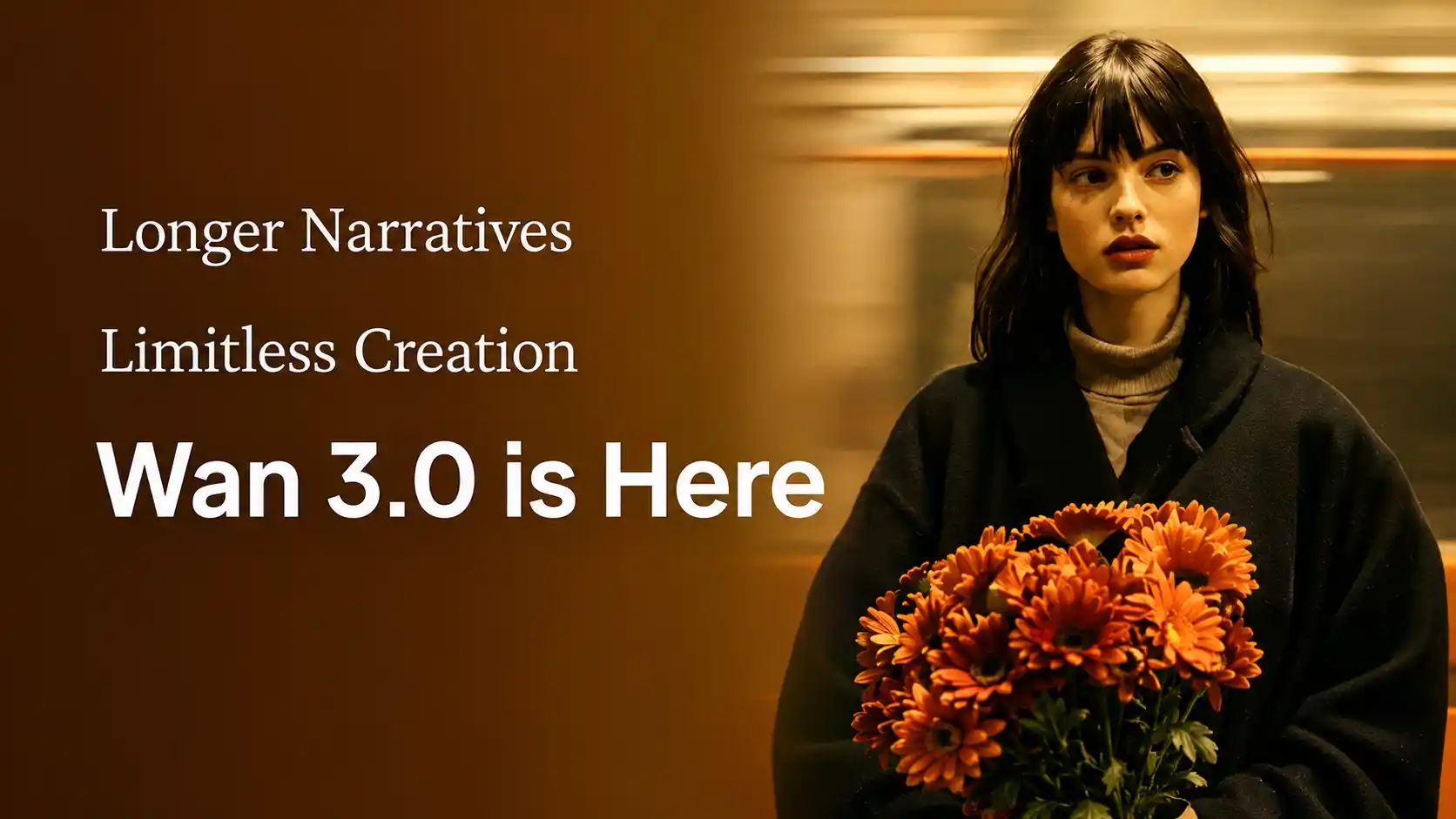
Alibaba opened the Wan 3.0 public beta on August 6, 2026, giving creators an early look at a video model built for more than isolated cinematic shots.
A formal Wan 3.0 launch and AI marketing event is scheduled for August 10 in Hangzhou, where Alibaba is expected to present the model’s production capabilities and business applications in greater detail.
The central upgrade is not simply better image quality.
Wan 3.0 combines 30-second AI video generation, native audio, multimodal references, document-to-video input, smart duration, and improved visual consistency inside one model.
This guide focuses on the officially confirmed Wan 3.0 features, what they could mean for real production, and which limitations creators should understand before building the model into a serious workflow.
Wan 3.0: All-in-One AI Video Model
Wan 3.0 turns source material into complete video expression. It unifies several previously separate workflows:
Text-to-video
Image-to-video
First-and-last-frame generation
Reference-to-video
Audio-guided creation
Document-to-video
Webpage-to-video
The larger product idea is that almost any useful information can become a video. A creator may begin with a prompt, while a business team may begin with a product deck, campaign brief, spreadsheet, training document, or public webpage.
30-Second Generation Changes How AI Video Tells Stories
30 seconds creates more room for message.
Wan 3.0 supports video durations from 2 to 30 seconds in a single generation. It also includes a smart-duration option that allows the model to choose an appropriate length based on the prompt and source materials.
Thirty seconds is long enough to organize a basic narrative structure:
Opening: Introduce the subject or visual hook.
Development: Show an action, problem, environment, or product benefit.
Payoff: Reveal the result or complete the transformation.
Ending: Close with a product shot, emotional beat, or call to action.
That makes the new model relevant for social media ads, product demonstrations, short narrative scenes, music video concepts, training content, branded videos, and visual explainers.
However, a longer duration should not be treated as permission to overload one prompt.
🔊 A longer video is a time budget, not a longer prompt.
Creators still need to define what happens first, how the scene develops, and what the final frame should communicate. Complex 30-second videos may require clear stages, fewer competing actions, and carefully assigned references.
Wan 3.0 Multimodal Inputs and Reference Limits
Turn Anything Into Video.
Wan 3.0 can interpret multiple types of input, allowing creators to control different parts of a video with different materials.
Input type | Official limit | Best use |
Reference images | Up to 10 | Character, product, costume, setting and visual style |
Reference videos | Up to 5, 15 seconds total | Motion, camera language, performance and pacing |
Reference audio | Up to 5, 15 seconds total | Voice, sound texture, rhythm and atmosphere |
Document | One file, up to 100MB | Product information, training materials, reports and presentations |
Webpage | One public page | Product pages, public articles and structured online information |
First frame | One image | Exact opening composition |
Last frame | One image | Exact ending state or transformation target |
Supported document formats include PDF, DOC, XLS, PPT, TXT, Markdown, Keynote, Pages, and Numbers. Documents are generally limited to 50 pages, depending on the format.
The practical value is not simply uploading more assets. It is assigning each reference a clear purpose:
Image 1 controls the character.
Image 2 controls the product.
Video 1 provides the movement.
Audio 1 establishes the voice or rhythm.
The document supplies the factual content.
The prompt explains how everything should work together.
Some generation modes have compatibility restrictions.
For example, strict first-and-last-frame control cannot always be combined with the full reference-image, video, and audio workflow. Creators should choose the mode that controls the most important part of the final result.
Turn Documents, Slides, and Data Into Video
Existing business materials can become a visual brief.
Document input is one of the most distinctive Wan 3.0 official features.
Instead of manually extracting information from a PDF or PowerPoint before writing a video prompt, users can provide the original material. The model can interpret its content and use it to build a new audiovisual presentation.
Product marketing
A brand can upload a product presentation and request:
A short launch video
A feature demonstration
An e-commerce product clip
A campaign concept
A branded social media ad
Business communication
A company can transform reports and structured information into:
Animated business updates
Sales presentations
Data-driven videos
Executive summaries
Internal communication content
Education and training
A teacher or training team can turn source materials into:
Lesson summaries
Employee onboarding videos
Safety instructions
Process explainers
Internal learning content
Official demonstrations include product presentations, educational material, dynamic charts, business reports, and branded videos generated from structured source files.
This does not mean every number, label, or sentence will be reproduced perfectly. Product specifications, financial data, screen text, charts, and legal claims should still be manually checked before publication.
Stronger Realism and Production-Ready Consistency
A usable video depends on what stays stable.
Wan 3.0 better understands the appearance and behavior of the real world.
For human subjects, the official announcement highlights:
More varied facial features
Finer skin and facial detail
More restrained emotional performance
Better coordination between micro-expressions and body movement
Greater emotional differentiation in group scenes
For reference-based generation, the model is designed to preserve:
Facial identity
Hair and body shape
Clothing and accessories
Product structure
Logos and materials
Character position
Camera perspective
Environmental relationships
Cinematic style
This matters for commercial content because a beautiful shot is not always a usable shot.
A product video loses value when the packaging changes.
A short drama becomes distracting when the actor’s clothing drifts.
A branded clip becomes unreliable when a logo or material is reconstructed incorrectly.
Does Wan 3.0 Generate Audio?
Sound arrives with the picture, but it still needs approval.
The current Wan 3.0 API generates audio by default, although users can disable it when they only need visual output.
That opens the door to more complete drafts containing:
Spoken dialogue
Environmental ambience
Movement sounds
Product sound effects
Music or rhythmic audio
Scene-specific atmosphere
For social media creators, generated sound can reduce the need to build every draft from separate video and audio tools.
For filmmakers and advertisers, it provides an immediate way to judge whether the scene’s rhythm, movement, and emotional tone work together.
🔊 Also, sound quality still has room to improve.
English dialogue, brand names, pronunciation, lip movement, music balance, and sound continuity should be reviewed carefully.
Wan 3.0 can accelerate the audio workflow, but the first generated soundtrack should be treated as a production draft rather than an automatically approved master.
Does Wan 3.0 Support Native 4K?
Native 4K has not been officially confirmed.
The current Wan 3.0 resolution supports three output options:
480P
720P
1080P
That does not rule out future 4K support or third-party upscaling. It simply means that creators should not describe native 4K as an official Wan 3.0 specification until Alibaba documents it.
For many TikTok, YouTube Shorts, Instagram Reels, product-page, and internal business workflows, 1080P can still be practical. The more important question is whether the generated video remains visually stable, accurate, and usable throughout its full duration.
Is Wan 3.0 Right for Your Creative Workflow?
Wan 3.0 is especially promising for:
User | High-value workflow |
Marketers | Turn campaign briefs into short promotional concepts |
E-commerce brands | Animate product images and presentation materials |
Filmmakers | Create 30-second scenes, previsualization and pitch content |
Educators | Convert lessons and documents into visual explanations |
Business teams | Transform reports and slides into internal videos |
Social creators | Produce narrative, cinematic or vertical video drafts |
Designers | Animate interfaces, visual systems and product concepts |
The model is less about replacing every production step and more about reducing the distance between source material and a usable video draft.
Current Wan 3.0 Limits Creators Should Know
More capability does not remove the need for review.
The current model has several important limitations:
Current official output stops at 1080P.
Audio quality may require editing or replacement.
Generated text may not always be accurate.
Complex charts and numerical data need manual verification.
Longer clips can still suffer from pacing or continuity problems.
Some reference modes cannot be combined in one generation.
Platform and API availability may vary by region.
Wan 3.0 open-source weights have not yet been officially confirmed.
These limits do not make the model unsuitable for production. They define where human review creates the most value.
💡 The most effective approach is to use Wan 3.0 for concept development, first drafts, product visualization, short campaign variations, previsualization, training prototypes, and social content, then review the parts that affect accuracy, brand trust, or compliance.
From Source Material to a Complete AI Video
Wan 3.0 is moving AI video beyond short visual experiments.
Its 30-second generation, document input, audiovisual output, multimodal reference system, and stronger consistency could make it useful across creative and business production.
Start with one strong idea, one clear subject, and references that each serve a purpose.
Then use the Wan AI Video Generator to see how your existing images, documents, products, or stories can become a complete video.
Try Wan 3.0 AI Generator NOW 👉
Wan 3.0 FAQs
What is the Wan 3.0 release date?
The Wan 3.0 release date for public beta was August 6, 2026. A formal Wan 3.0 launch and AI marketing event is scheduled for August 10, while broader platform and regional availability may continue to expand afterward.
Is Wan 3.0 Open Source?
Not yet officially confirmed. Previous Wan models were open source, but that does not automatically apply to the new version.
Can Wan 3.0 Create Vertical Videos?
Yes. It supports 9:16 vertical video for TikTok and Reels Videos, as well as 16:9, 4:3, 1:1, and 3:4 formats.
Does Wan 3.0 Add a Watermark?
No. Videos created on Wan30.net can be exported without a watermark, giving you more freedom to create, edit, and publish clean AI videos.
How Fast Is Wan 3.0 Video Generation?
Generation usually takes several minutes. Processing time depends on clip length, resolution, scene complexity, and platform traffic.
Can Wan 3.0 Generate More Than 30 Seconds?
A single generation supports up to 30 seconds. Longer videos can be created through video extension or by combining multiple planned clips.
Does Wan 3.0 Support Negative Prompts?
There is no separate negative-prompt field. Write exclusions directly in the main prompt, such as: “No subtitles, extra characters, logos, or background music.”
Does Wan 3.0 Support English Prompts?
Yes. The model accepts English and Chinese prompts. English dialogue and narration are also possible, but pronunciation, lip sync, and on-screen text should be reviewed.
Which Wan 3.0 Mode Should You Use?
Text-to-video: Explore new ideas
Image-to-video: Animate a product or character
First-and-last-frame: Control the opening and ending
Reference-to-video: Preserve subjects, motion, sound, or style
Document-to-video: Turn reports, slides, or product information into video
Choose the mode based on what matters most in the final result.